Best Budget Gaming PC Build for GTA 6 in 2026 (That Won’t Become Obsolete in a Year)
 When Grand Theft Auto VI finally lands on PC, it’s almost guaranteed to become one of the most demanding open-world games ever released. Bigger cities, denser traffic, smarter NPCs, advanced lighting, and massive world streaming will push older hardware hard. Based on current AAA trends and early industry analysis, budget gamers will need to be smarter than ever with their component choices.
But here’s the good news: you do not need a ₹2 lakh monster PC to enjoy GTA 6.
If your goal is smooth 1080p gameplay with medium-to-high settings, stable frame rates, fast loading times, and room for future upgrades, there’s a sweet spot where performance and affordability meet perfectly. This guide focuses on exactly that.
What Kind of PC Will GTA 6 Likely Need?
Rockstar hasn’t officially released PC system requirements yet, but modern AAA games already give us a strong idea of what to expect. Industry predictions suggest:
16GB RAM will be the realistic minimum
An SSD will be essential
GPUs with 8GB+ VRAM will matter more than raw power
CPUs with at least 6 cores / 12 threads will perform best in crowded city environments
Many hardware analysts expect GTA 6 to heavily rely on world streaming, AI systems, lighting, and physics simulations similar to or beyond Red Dead Redemption 2.
That means buying the cheapest possible GPU or an outdated quad-core processor today may actually cost you more later.
The Best Budget GTA 6 PC Build (2026)
This build targets:
1080p High Settings
Around 60 FPS
Good thermals
Upgrade-friendly platform
Strong price-to-performance ratio
Recommended Budget: ₹65,000 – ₹85,000
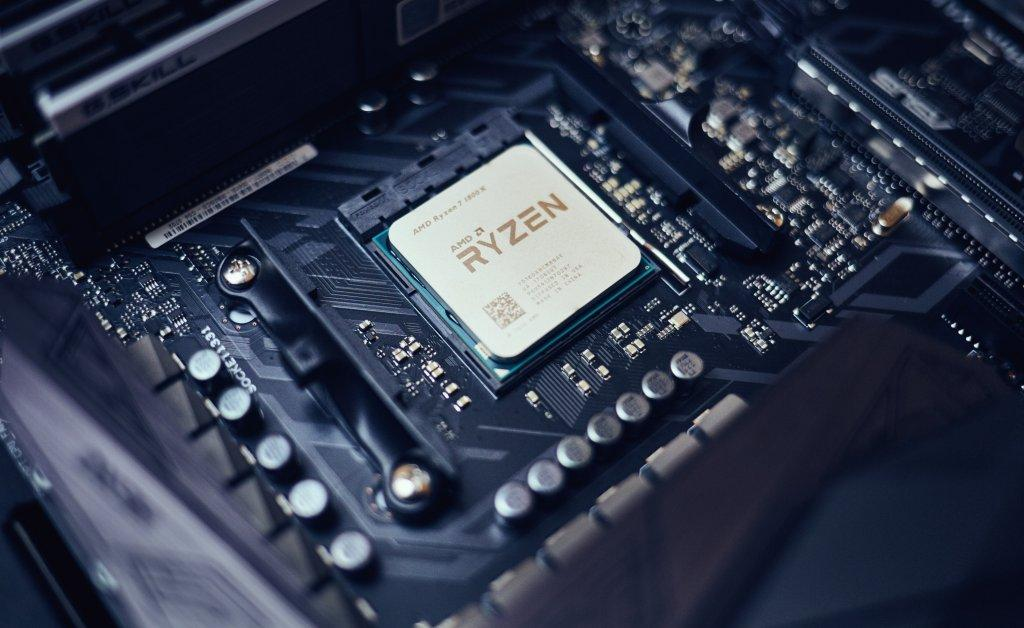 The CPU matters more in GTA-style games than many people realize. Open-world games constantly process traffic, pedestrians, physics, interiors, weather systems, and background simulation.
The AMD Ryzen 5 5600 remains one of the best value gaming CPUs ever made. It offers 6 cores and 12 threads, which is likely the realistic baseline for GTA 6.
If your budget allows, the newer AMD Ryzen 5 7600 is even better because it gives you access to the AM5 platform for future upgrades.
Why avoid older CPUs?
Older 4-core processors may bottleneck heavily in large open-world games. GTA 6 will likely reward stronger single-core and multi-thread performance.
2. Graphics Card (GPU)
Best Budget Choice: RTX 3060 12GB or RX 7600
 For GTA 6, VRAM may become extremely important.
That’s why the NVIDIA GeForce RTX 3060 12GB still makes a lot of sense. The 12GB VRAM buffer gives it better long-term survivability than many newer budget GPUs.
The AMD Radeon RX 7600 is another strong option, especially if priced aggressively in India.
Expected Performance
You can realistically expect:
1080p Medium-High settings
Stable 60 FPS target
FSR or DLSS support for better performance
Enough VRAM headroom for future games
Many experts currently consider RTX 3060, RX 6600 XT, RX 7600, and RTX 4060 the realistic entry point for modern AAA gaming.
Avoid these mistakes
Do not overspend on RGB while buying a weak GPU.
In gaming builds, the GPU should usually consume the largest portion of your budget.
3. RAM
16GB Minimum, 32GB Ideal
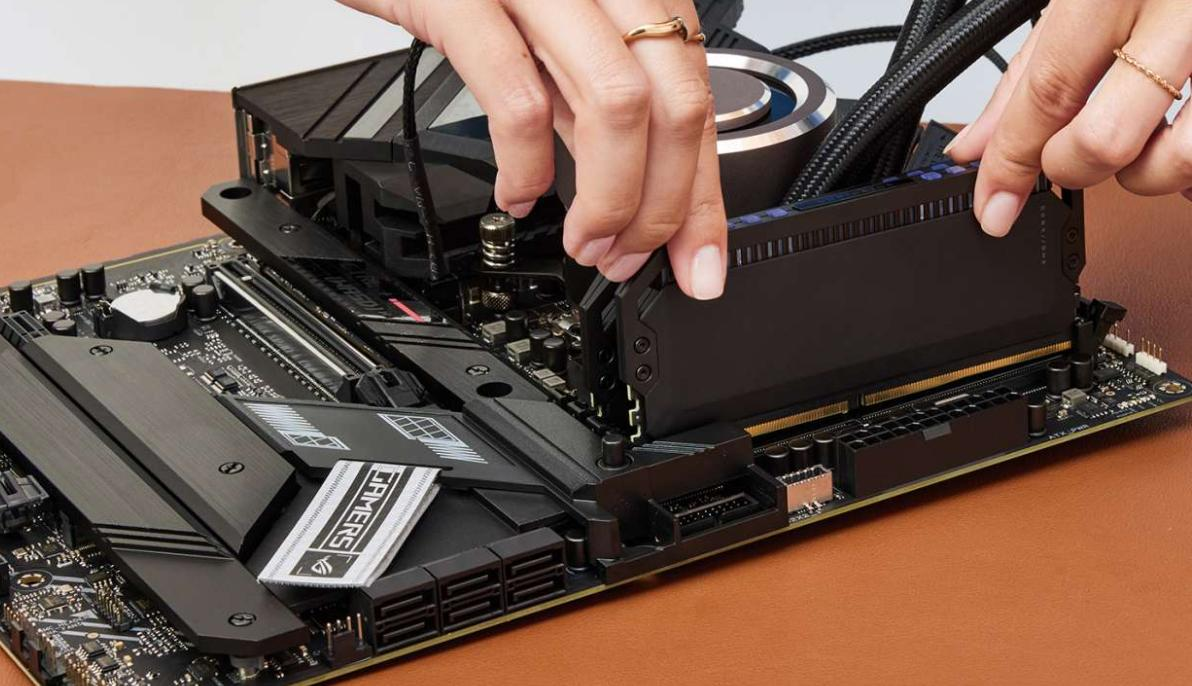 Right now, 16GB dual-channel RAM is still acceptable for gaming.
But GTA 6 may push memory usage hard, especially if:
You multitask
Run Discord/browser in background
Use mods later
Stream gameplay
If possible:
Start with 16GB dual-channel
Upgrade to 32GB later
DDR4 is still completely fine for budget builds.
4. Storage
1TB NVMe SSD is the Real Sweet Spot
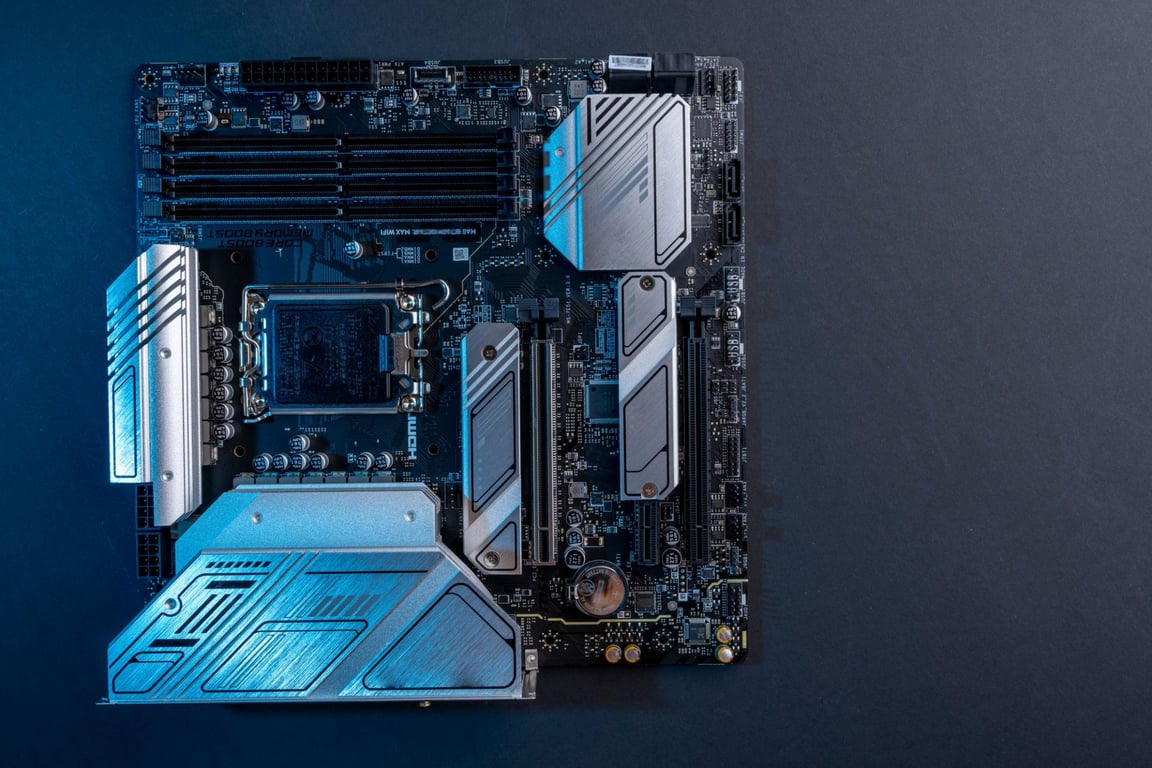 This is one area many first-time builders underestimate.
Modern open-world games constantly stream textures and assets from storage. Slow drives can create:
texture pop-in
stutters
delayed loading
inconsistent frame pacing
An NVMe SSD dramatically improves overall smoothness.
Good budget options:
Kingston NV2
WD Blue SN570
Crucial P3
Several GTA 6 hardware discussions specifically mention SSDs as essential rather than optional.
5. Power Supply (PSU)
Never Cheap Out Here
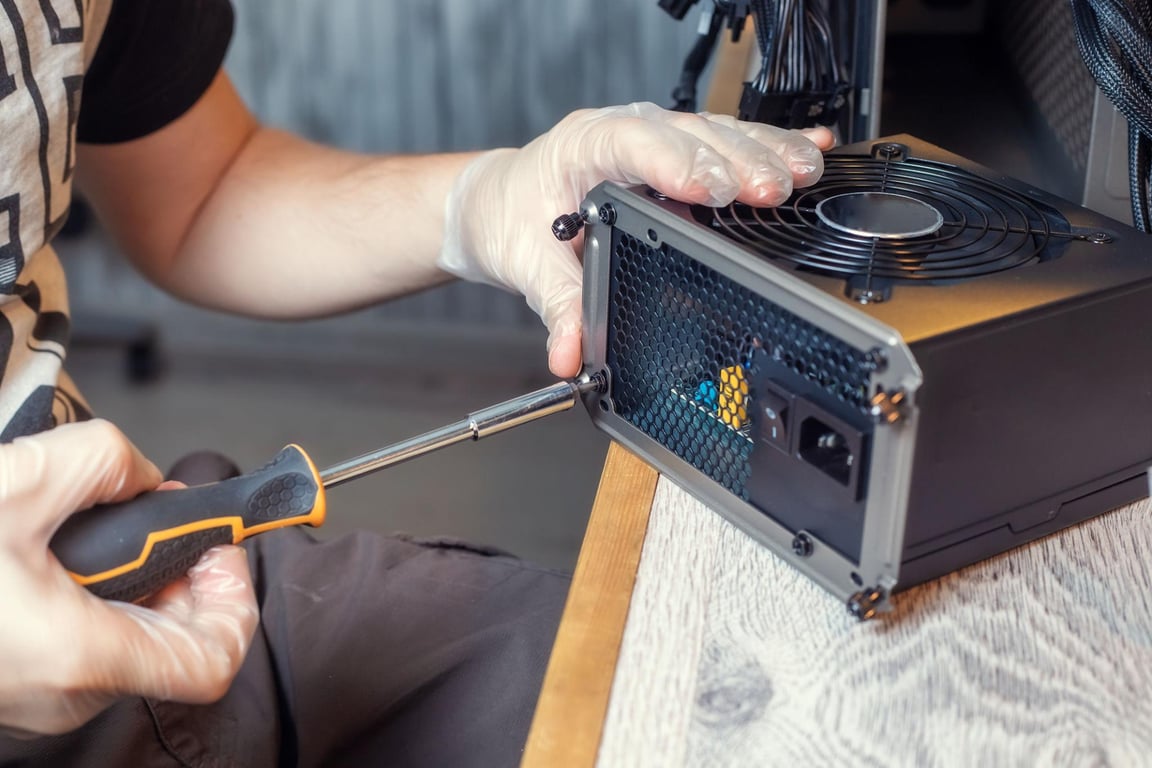 A bad PSU can damage your entire system.
Look for:
550W–650W
80+ Bronze certification
Trusted brands
Reliable brands include:
Corsair
Cooler Master
MSI
DeepCool
Antec
Avoid unknown ultra-cheap PSUs even if the specs look attractive.
6. Motherboard & Upgrade Path
This is where smart buyers save money long-term.
If Your Budget Is Tight
Go with:
B550 motherboard
Ryzen 5 5600
DDR4 RAM
This setup still offers excellent value.
If You Want Better Future-Proofing
Go with:
B650 motherboard
Ryzen 7000 series
DDR5 RAM
It costs more upfront but gives you an easier upgrade path later. Many PC gaming communities strongly recommend AM5 now for long-term builds.
Example GTA 6 Budget Build (Recommended)
Recommended Components for Budget Gaming PC
Suggested parts for a balanced gaming build (1080p/1440p)
| Component | Recommendation |
|---|---|
| CPU | Ryzen 5 5600 / Ryzen 5 7600 |
| GPU | RTX 3060 12GB / RX 7600 |
| RAM | 16GB DDR4 or DDR5 |
| Storage | 1TB NVMe SSD |
| Motherboard | B550 or B650 |
| PSU | 650W 80+ Bronze |
| Cabinet | Airflow-focused mid tower |
💡 Prices vary by region; AMD Ryzen 5 5600 + B550 + DDR4 is most budget-friendly, while Ryzen 5 7600 + B650 + DDR5 offers better future-proofing.
Expected performance:
1080p High
~60 FPS target
Good future upgrade flexibility
Should You Buy a Console Instead?
Honestly, this depends on your goals.
A console may offer:
cheaper entry cost
easier setup
optimized performance
But a gaming PC gives you:
mods
better upgradeability
productivity use
cheaper game pricing over time
flexibility beyond gaming
If GTA 6 is your main reason for upgrading, a console may actually offer better value initially. But if you also:
play multiplayer games
edit videos
stream
code
emulate older games
want Steam sales
…then a PC becomes much more worthwhile long-term.
Final Thoughts
The biggest mistake budget gamers make is chasing ultra settings instead of balanced performance.
For GTA 6, the smartest approach is:
prioritize GPU quality
get at least 16GB RAM
use an SSD
avoid outdated CPUs
buy reliable power supplies
leave room for future upgrades
You do not need the absolute newest hardware to enjoy Rockstar’s next big open-world game.
A carefully balanced mid-range build can easily deliver an amazing experience without destroying your wallet.
And honestly? If Rockstar optimizes the PC version even half as well as Grand Theft Auto V or Red Dead Redemption 2, these kinds of builds should age surprisingly well.
Recommendation
For a full breakdown of the best GTA 6 budget gaming setups, GPUs, and consoles, read my Ultimate GTA 6 Setup Guide.
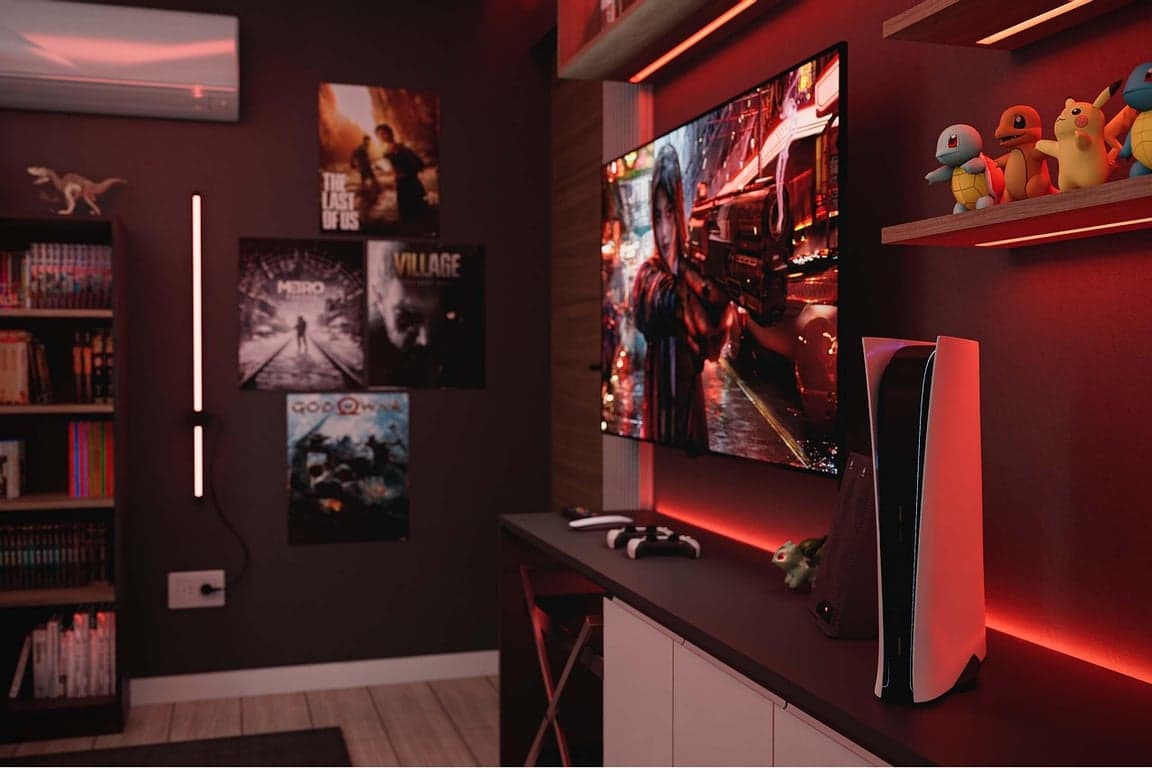
Best Budget Gaming PC Build for GTA 6 in 2026 (Without Wasting Money)
Looking for the best budget gaming PC for GTA 6 in 2026? Discover the ultimate affordable build with the best CPU, GPU, RAM, and SSD recommendations for smooth 1080p gameplay without overspending.
Read Full Story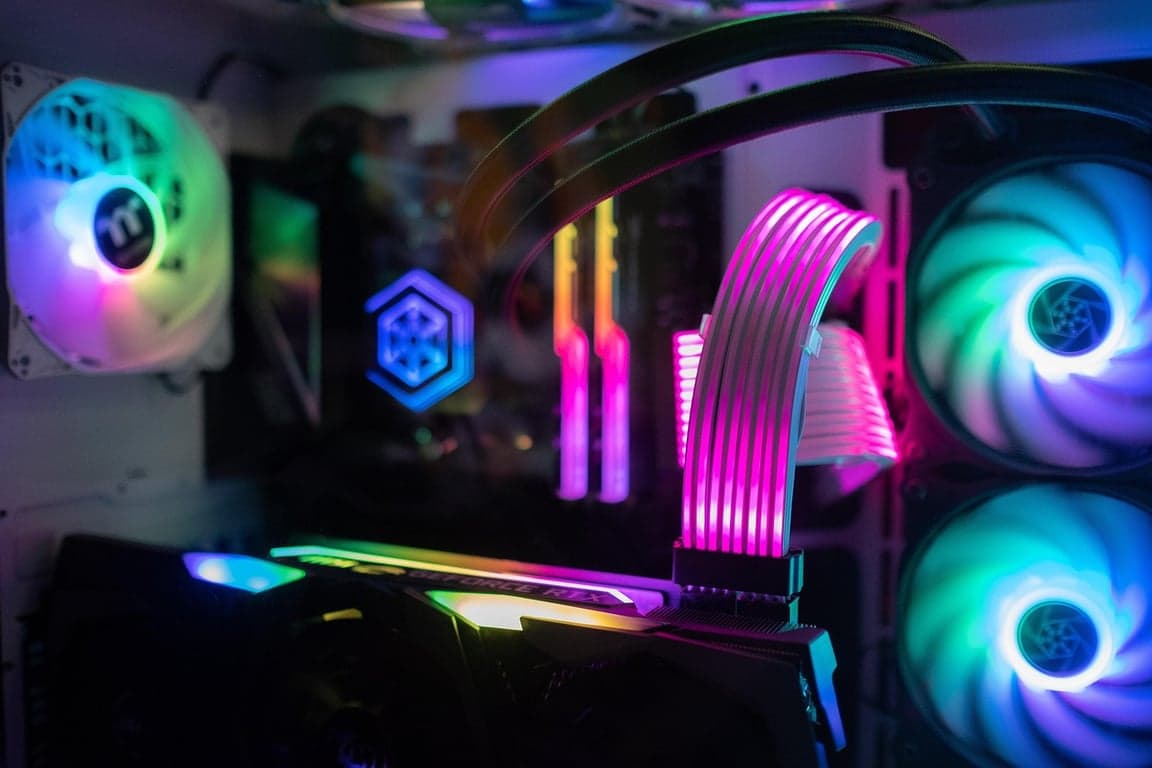
Can a ₹50K Gaming PC Run GTA 6? Here’s the Truth Most People Won’t Tell You
Can GTA 6 run on a ₹50K gaming PC? Here’s a realistic breakdown of performance, recommended specs, FPS expectations, and the best budget build for smooth 1080p gameplay in 2026.
Read Full Story
Ultimate GTA 6 Budget Gaming Setup Guide (2026): Cheapest Ways to Play GTA 6 Without Spending ₹1 Lakh
Can’t afford an expensive gaming PC? Here’s the cheapest way to play GTA 6 in 2026, including budget GPUs, cloud gaming, PS5 options, and smart gaming setups.
Read Full Story